

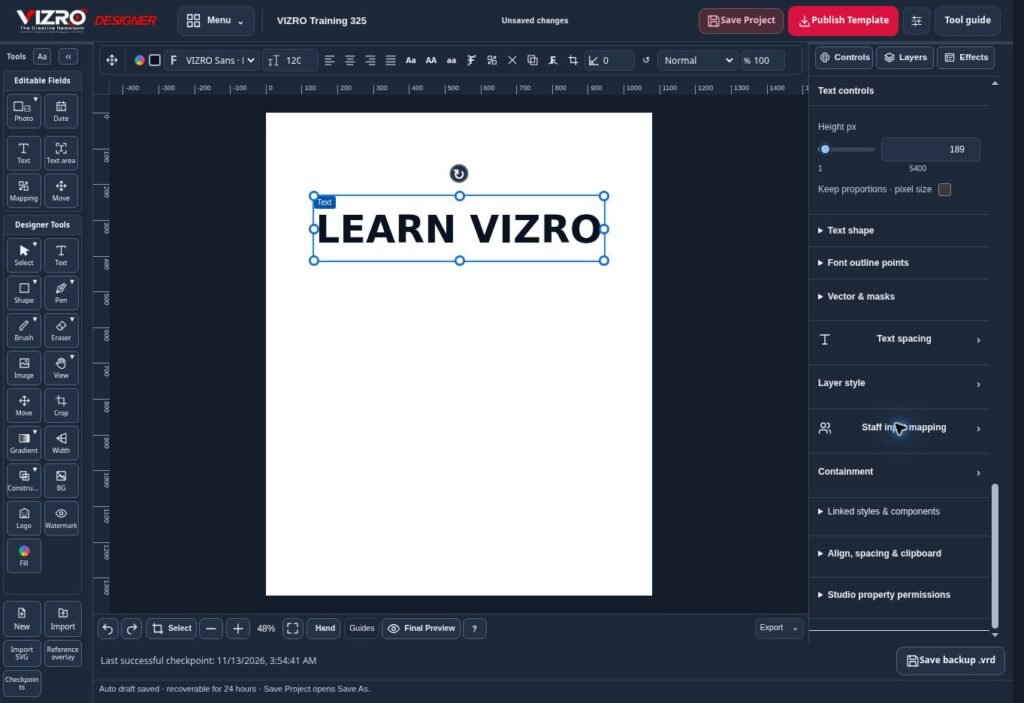
A useful business promotion answers practical questions: what is being offered, who it is for and what the customer should do next. A visually busy poster can hide those answers. VIZRO helps small businesses and their designers prepare custom graphics and reusable templates for regular communication.
Gather the details before designing
Write down the product or service name, the main benefit, the correct price where relevant and the action the customer should take. Confirm the business contact details and the dates of any offer before placing them in a design.
Use accurate terms. If an offer applies only to selected items or dates, make that condition readable. Avoid a large promise with essential restrictions hidden in tiny text. The graphic and its caption should describe the same offer.
Design around a clear visual order
In VIZRO Designer, give the main message the strongest position. Place supporting details beneath it and keep the next action easy to find. Use suitable text, photographs, shapes, layers and available effects without competing with the information.
Choose an image that represents the actual product or service. Check whether cropping changes its meaning or removes a useful detail. A clean photograph and a readable heading often communicate more effectively than several competing decorations.
Save the .vrd project when the layout is ready for revision. Keep the original approved text and image assets in your own records so that another team member can check the promotion later.
Reuse the layout for recurring posts
A business may need weekly announcements, changing product details or repeated service reminders. Map the fields that will change and publish a template to the appropriate VIZRO workspace within the account's permissions and capacity.
Studio can then produce a new graphic from those published fields. Enter the updated message, add the image and inspect the complete result. Chat offers a mobile-friendly template workflow when the person preparing the update is using a phone.
Keep different templates for different purposes. A price-led offer needs a different information structure from a customer instruction or a service introduction.
Check the promotion before it goes public
Confirm the price, dates, spelling, contact details and availability one final time. Make sure the image rights and any brand permissions are in place. Review the downloaded graphic, not only the editor preview.
VIZRO provides creative tools; the business remains responsible for its advertising claims and published information. Start with one frequent task, test the layout with real content and expand your template collection only when it makes the work easier. Review current plans and supported devices before deciding how your team will use the software.
