

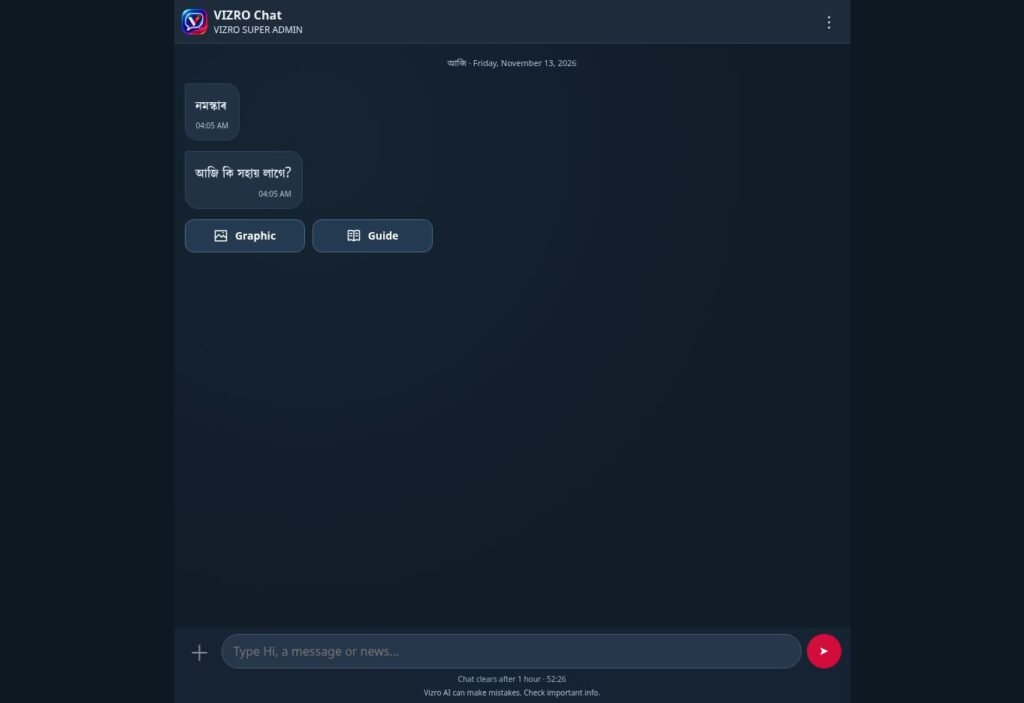
A reporter may have a phone available when the design team is working elsewhere. VIZRO Chat provides a mobile-friendly way to create from an available workspace template, so the Channel’s prepared layout can guide the process.
This is a template-based production workflow. It depends on an account, the workspace’s published templates, enabled services and the relevant plan allowance. The phone workflow does not require the full Designer interface to be squeezed onto a small screen.
Prepare the template on a larger screen
Before a contributor starts on a phone, prepare and publish the appropriate template in the workspace. Decide which text and photo inputs it needs and test them with realistic story content.
A template prepared for a headline and photograph cannot automatically provide every field required by a complex report. Choose a format that matches the story. Consistent results begin with that design decision.
Choose the correct workspace
Sign in and confirm which workspace you are using. A person who also has an Individual account should check that they are creating the Channel’s graphic in the relevant Channel workspace.
Access to a Channel follows its membership, approval and plan rules. Templates and permissions available in one workspace should not be assumed to exist in another.
Follow the story prompts
Choose an available template and add the requested headline, details and photos. Use the supported editing controls to adjust the result. Check the crop and composition rather than accepting the first photo placement automatically.
Keep the story concise enough for the format. If the graphic becomes difficult to read, improve the wording or use a more suitable template rather than forcing more information into a small area.
Review the graphic and accompanying copy
Review the final graphic together with its caption, upload line or hashtags where those features are available. Confirm that the words in the image and the post describe the same facts.
Check names, dates, places, image rights and any AI-assisted wording. The presence of a caption or hashtags is not an indication that the story has been verified. Avoid sharing sensitive information simply because a field allows it.
Use the available download and sharing options
Download the graphic and copy the supporting text using the options provided. Your browser, operating system and device determine which sharing choices appear. Chat exports follow the account’s allowance.
Direct automatic publishing to every social platform is not part of this workflow. Review the prepared material and use the appropriate destination’s normal publishing process. Keep the final graphic and the approved copy according to your newsroom’s own records policy.
For a new team, test one story from start to finish on the actual phones contributors will use. The public Chat feature page and illustrated guide explain the available workflow without requiring private account information.
