

A news team should not have to rebuild its visual identity for every update. The logo, headline position, photo treatment and essential brand elements usually stay the same. The facts, photographs and details change throughout the day.
VIZRO by BHP Production brings those two kinds of work into one connected workflow: prepare the design in Designer, produce from its published fields in Studio and use Chat when a mobile workflow is more convenient. The purpose is consistent production with a clear review step, rather than turning every contributor into a full-time graphic designer.
Start with the Channel’s design
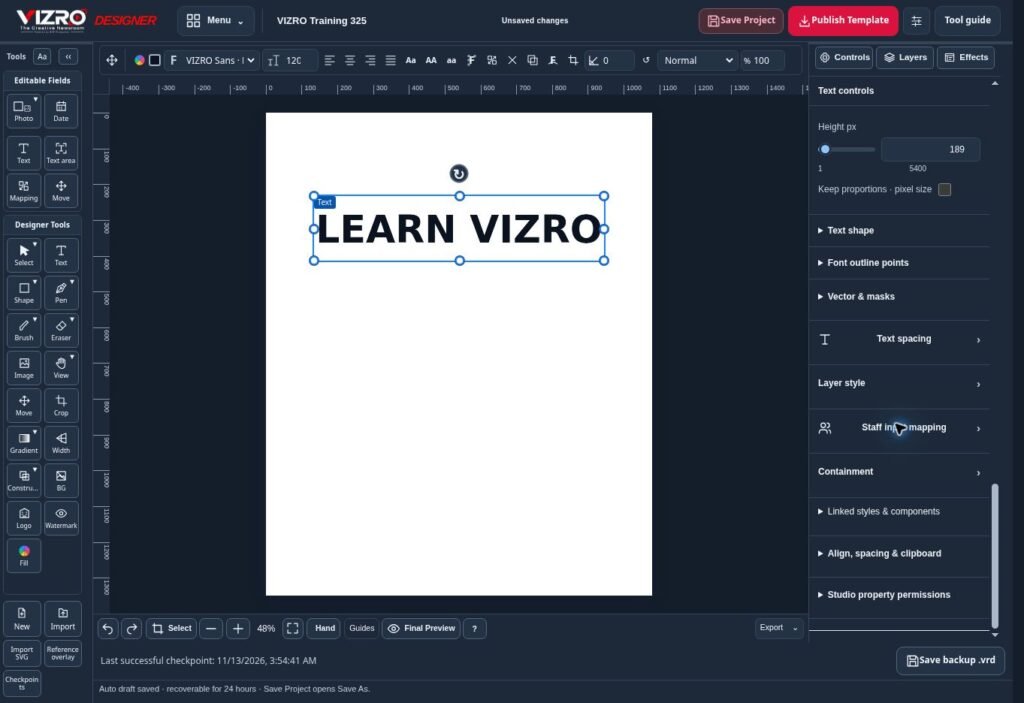
Use VIZRO Designer to prepare the layout on a supported larger-screen device. Work with text, photos, shapes, layers and available effects. Decide which information the team should change when creating a new graphic and map those parts to Studio inputs.
For example, a breaking-news layout might expose a headline, a short detail field and a photograph. A quote format needs different inputs. Prepare separate templates when the editorial purpose is different, rather than forcing every story into the same design.
Publishing a template makes that prepared workflow available to the relevant workspace. Editable local projects and published templates serve different purposes: a project keeps design work for later editing, while a published template supports the production workflow.
Produce the next story in Studio
In Studio, choose an available published template and enter the story information. Add the photograph, adjust the result and review the complete graphic. Team members work within the fields and permissions available to their workspace and role.
Keeping the design decisions in the template reduces repeated layout work. It does not remove editorial responsibility. Check names, locations, dates, attribution, spelling, image rights and the relationship between the photograph and the story before downloading a graphic.
Use Chat for mobile production
VIZRO Chat provides the mobile-friendly part of this workflow. Choose an available workspace template, follow the prompts for text and photos, adjust the result and review the graphic together with its supporting copy.
Chat is not a promise that any message will become a finished publication without checking. Available fields follow the template, and account permissions and export allowances still apply. Studio and Designer are intended for supported computers and tablets; a phone user should use the Chat workflow instead.
Keep Channel and personal work separate
An Individual account and a News Channel workspace have separate plans and responsibilities. News Channel features depend on Super Admin approval. An eligible person can work in the relevant Channel role and return to their personal workspace, with the available permissions changing accordingly.
Agree on who prepares templates, who enters daily stories and who checks the final graphic. That operating routine is as important as the software. Start with one common story format, test it with your own content and expand the template library after the team understands the process.
The News Channel overview, product pages, plans and illustrated guide explain the available workflows and account requirements.
