

An event poster must work as an invitation and a useful source of information. People need to understand what is happening, when and where it takes place, and how to respond. VIZRO Designer can be used to build the composition, while a reusable template can help with recurring events or changing announcements.
Confirm the information first
Collect the event name, date, time, venue and the appropriate contact or registration details. Check the spelling of names and the wording of any organiser or sponsor credit. If the event has several sessions, decide which information belongs on the main poster and which needs a separate schedule.
Avoid placing unconfirmed details into a polished design and assuming they will be corrected later. Keep the approved text together so that changes can be checked against the same source.
Set a clear hierarchy in Designer
Give the event name or main purpose the strongest visual position. Make the date and venue easy to find immediately after it. Use spacing to separate information groups rather than putting every line into a different decorative style.
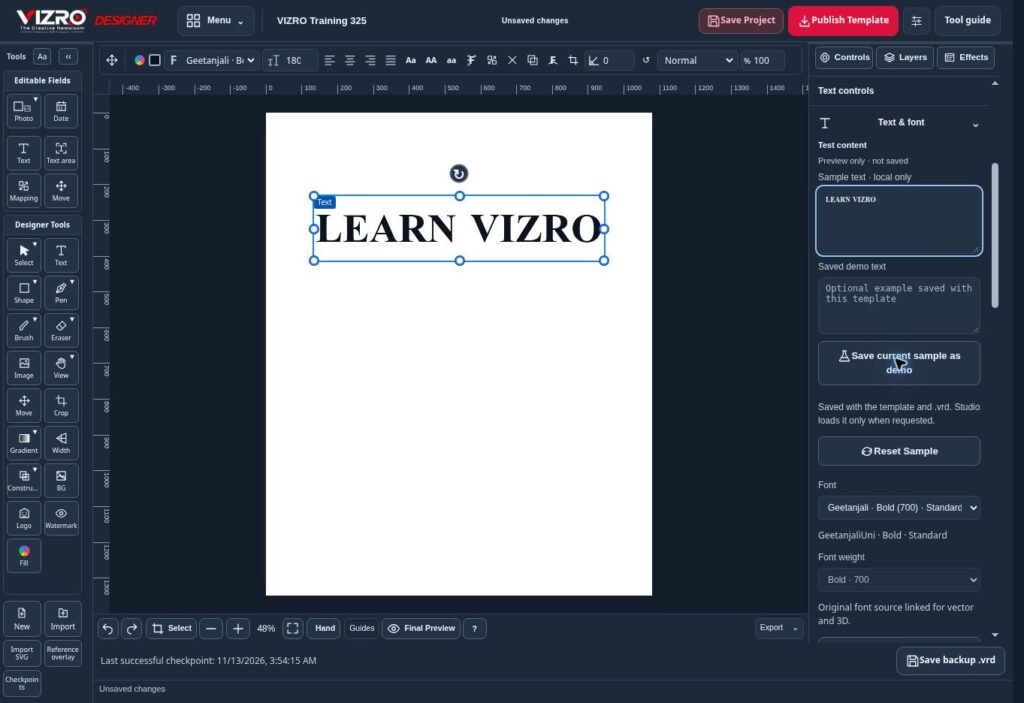
Work with text, photographs, shapes, layers and available effects in VIZRO Designer. Check whether the photograph adds useful context and whether the background leaves enough contrast for reading.
Test the layout at the size people are likely to see it. A poster that looks clear on a large editing screen may become difficult to read in a messaging app or social feed.
Prepare for changes and repeat events
Save an editable .vrd project before exporting. Dates, speaker details or venue information may change, and an exported image is not a replacement for the editable source.
If the same event format is used regularly, map the fields that change and publish a template to the correct workspace within your account's permissions and capacity. Studio can then be used for the next announcement without rebuilding the layout. Chat provides the mobile-friendly template workflow where appropriate.
Keep major layout changes in Designer. A new event with a different information structure may need a separate design rather than a longer version of the old one.
Review the finished poster
Compare the exported graphic with the approved event details. Check the date, weekday if included, time, venue, contact information and any booking instructions. Confirm permission to use photographs, logos and names.
Choose an export option suited to the destination and inspect the actual downloaded file. If the poster will be printed, agree on size, resolution and other production requirements with the printer. A clear review process helps prevent an attractive poster from carrying incorrect information.
